Edit Model for V8
Hey everyone! Today we’re gonna start letting everyone test our first V8.2 image edit model!
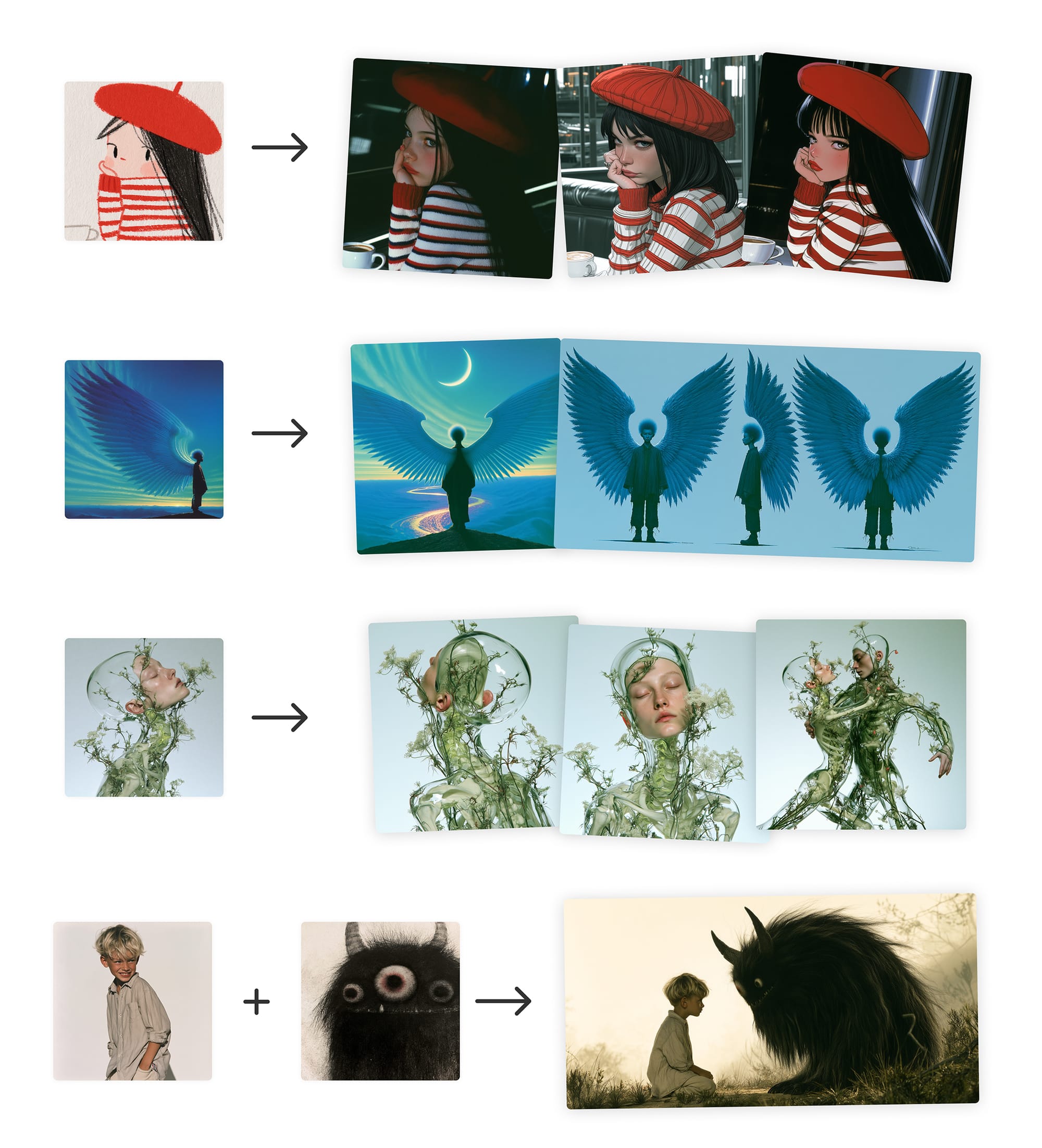
This model supports:
- Editing images with instructions
- Generating images with other images (replacing omni-reference) with up to 4 image references at once
- Changing specific areas of your images (inpainting) or expand your canvas (outpainting)
- Using personalization, moodboards and srefs (moodboards/srefs may work best with some extra prompt direction in this version)
Ways to use the model:
- Drag images into the prompt bar under "attach to prompt”
- Click ‘edit’ in the lower right in the lightbox
- Click the ‘edit’ tab on the left and upload an image
- Type
--edit url...on Discord
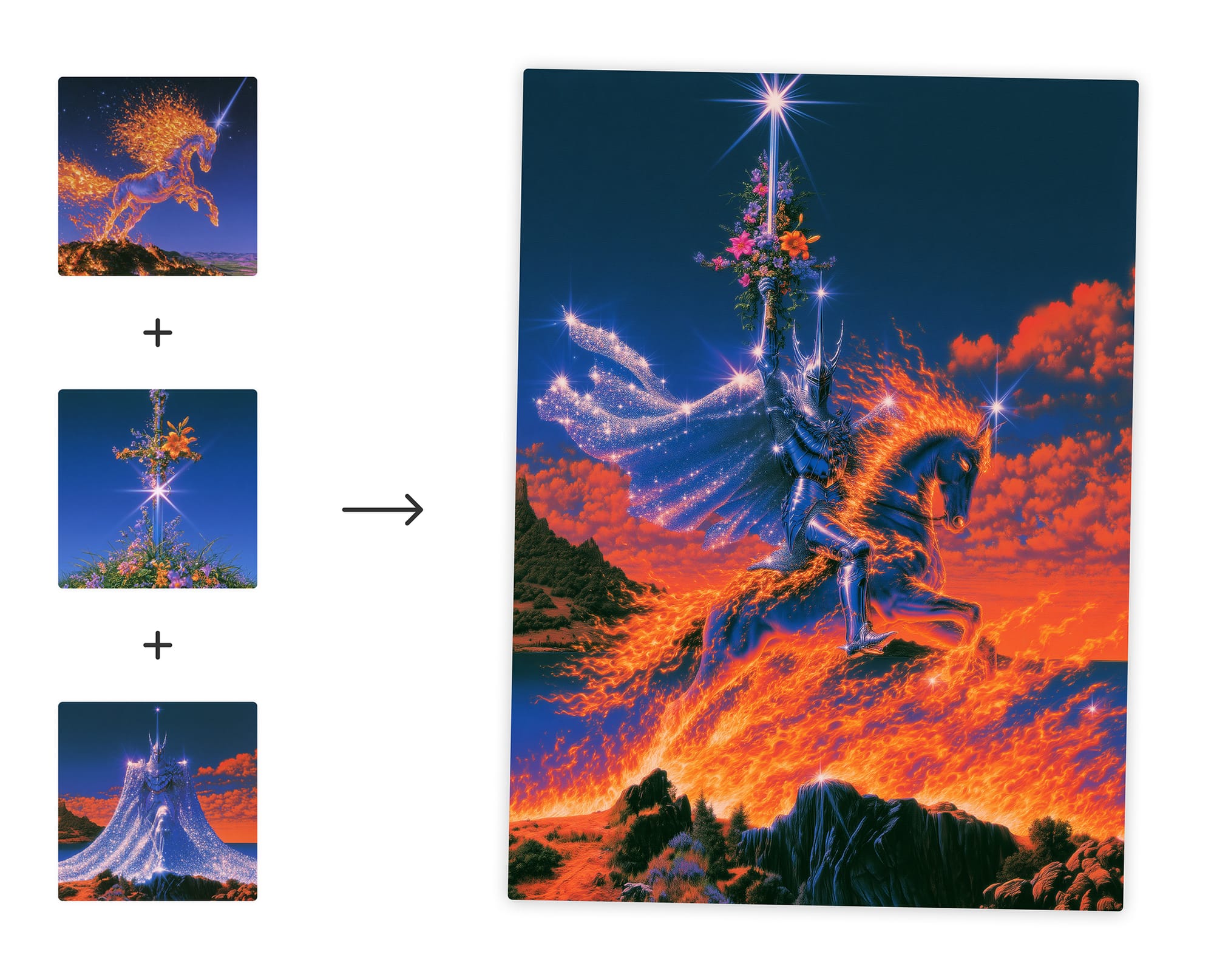
We’ve updated UIs on both the main midjourney.com website and alpha.midjourney.com, alpha will be changing rapidly with lots of experiments on how to remake the interfaces for this model.
There’s gonna be a lot of edge cases here so we’ll need your help finding situations that don’t work as expected. If an image doesn’t work well try clicking the sad face emoji on the right side of the lightbox or give us the jobid/url for the image while it's opened in the lightbox.
We’d also love your thoughts on how we can improve our user interfaces for this model from here. Drop your thoughts or model edge-cases in #ideas-and-features.
If you want to share what you’re doing with the new model, feel free to chat or share in #edit-showcase
There will be a lot of fast-follow updates from here, but we’re ready to start testing as a larger community and hope you have fun!
❤️